AI assistant (optional)
An optional assistant that drafts, but never decides.
An optional AI assistant, off by default, using your own API key. It drafts requests, suggests categories, reads contract dates and points to spend reports. It only advises, and everything works without it.
Optional, and advisory
Off until you turn it on. The screen says when it is used.
A convenience, not a dependency. When on, each record gets an advisory 'ask' box. The box says what is sent and that controls still decide.
- Off by defaultNothing is sent until an administrator turns it on and adds a key.
- Advisory only, in writingThe panel says approvals and controls decide. The model only drafts and answers.
- What is sent, on the panelThe panel says a short summary of the record is sent.
- Guidance works without itBuilt-in guidance works offline. Only the ask box needs AI.
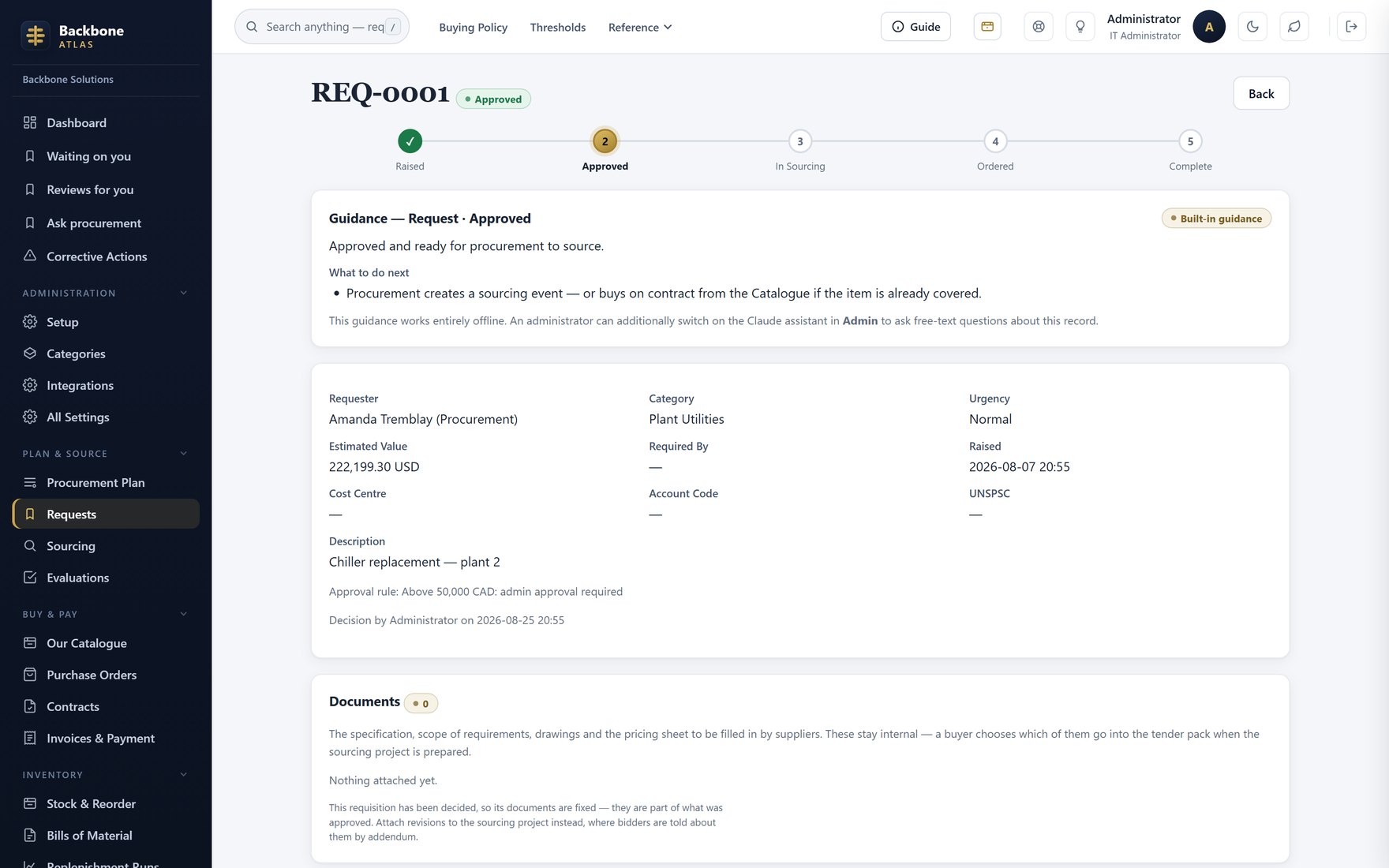
The guidance panelBuilt-in guidance on every record, plus the optional 'ask' box, which says what it sends.
Describe a need in a sentence
Describe the need. Get the form back filled in.
The most common use. The requester describes the need in plain words. The assistant fills the fields. The requester checks and submits.
- What it is sentThe sentence, your categories, units, cost centres and GL accounts. Also recent PO and catalogue lines, for real prices.
- Scoped to what you seeOnly entities the requester can already access. It cannot widen access.
- A draft, not a submissionThe requester edits and submits. Nothing is raised for them.
- Then the rules take overOnce submitted, it routes on value and authority like any requisition.
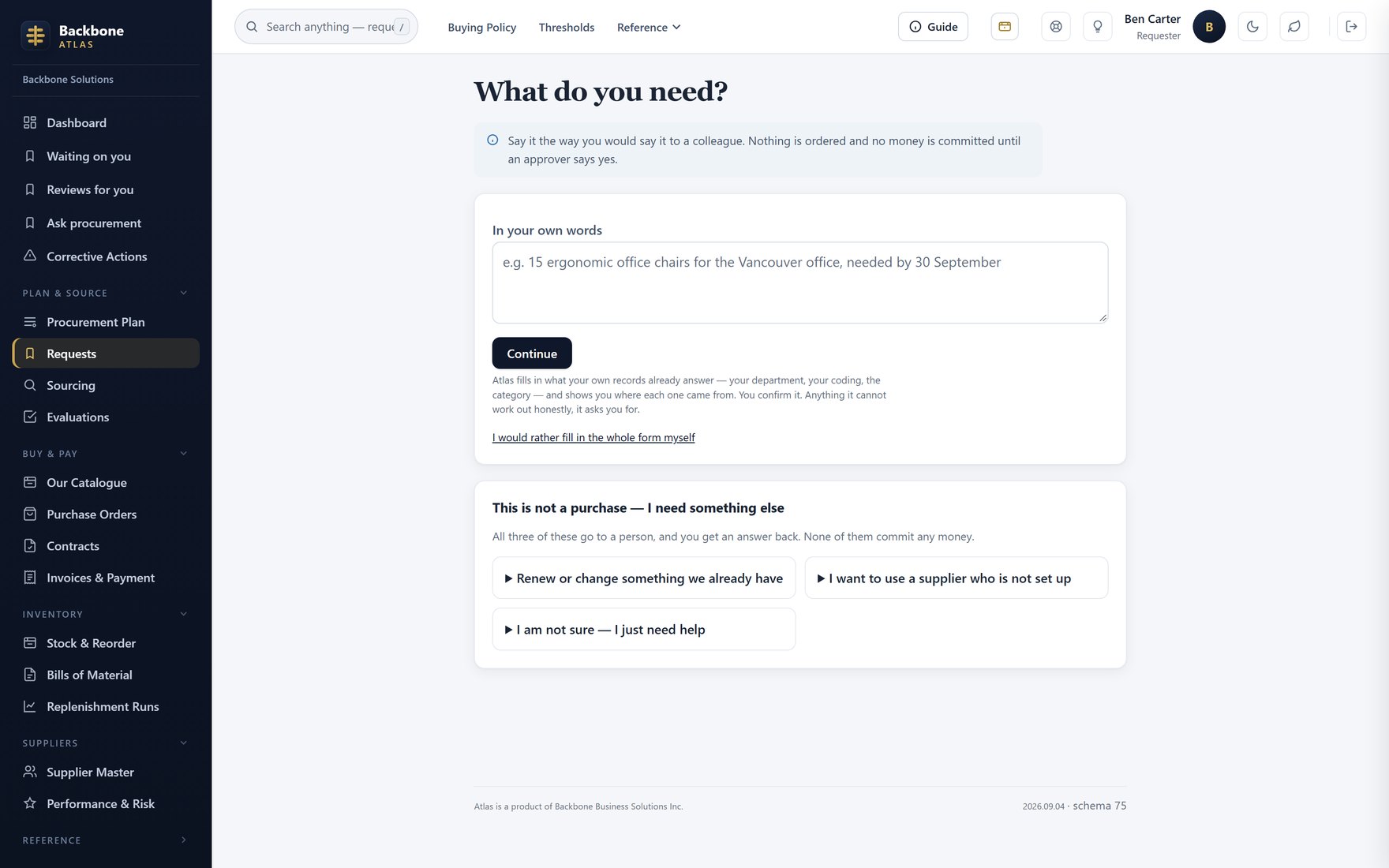
New requestThe request form a draft lands in. Every field stays editable.
Your key, your switch, an honest disclosure
Your key, your switch, and a page listing every use.
It runs on your own provider key, so the data path and bill are yours. Every AI use is listed in one table in the code. That table builds the disclosure page. An unlisted use fails a test.
- Your provider keyAnthropic or OpenAI. Reading uploaded PDF invoices runs unattended and needs Anthropic. The disclosure says so.
- One switch, off means offOne setting for the whole workspace. Off means no AI calls, and everything still works.
- A disclosure that stays trueBuilt from the code: every use, the fields sent, and which run unattended.
- Off unless you change itShips off. Leave it alone and nothing is sent to a model.
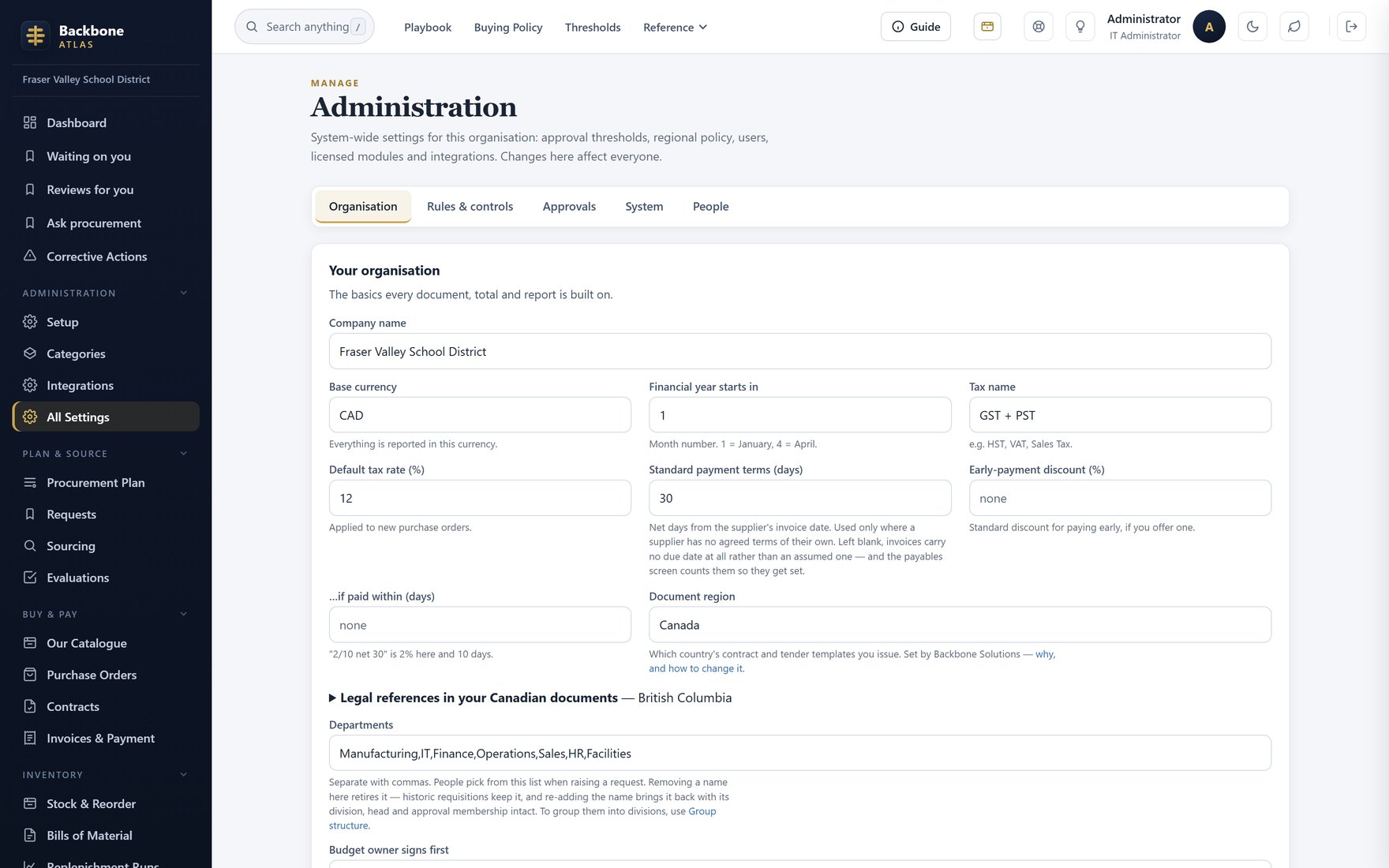
AI settingsThe one switch and key behind every AI use.