Training films
Thirty-four films, recorded on the real product.
The main screens each offer a short narrated film of the work done there. Recorded in the real application, not mocked up. The films ship inside it.
See it before you buy it
Thirty-four films. Nearly three hours. No slides.
Software is sold on screenshots. These are recordings of the real application, refusals included.
- Recorded, not drawnRecorded by driving the product in a sample workspace. Every figure and error came from the software
- End to endRequest, competition, contract, receipt, invoice, payment. And a building under the Construction Act
- The awkward partsRefusals: a call-off over its ceiling. A category it will not guess. A payment hold with no reason recorded
- Re-recorded, not patchedWhen the product changes, the film is recorded again
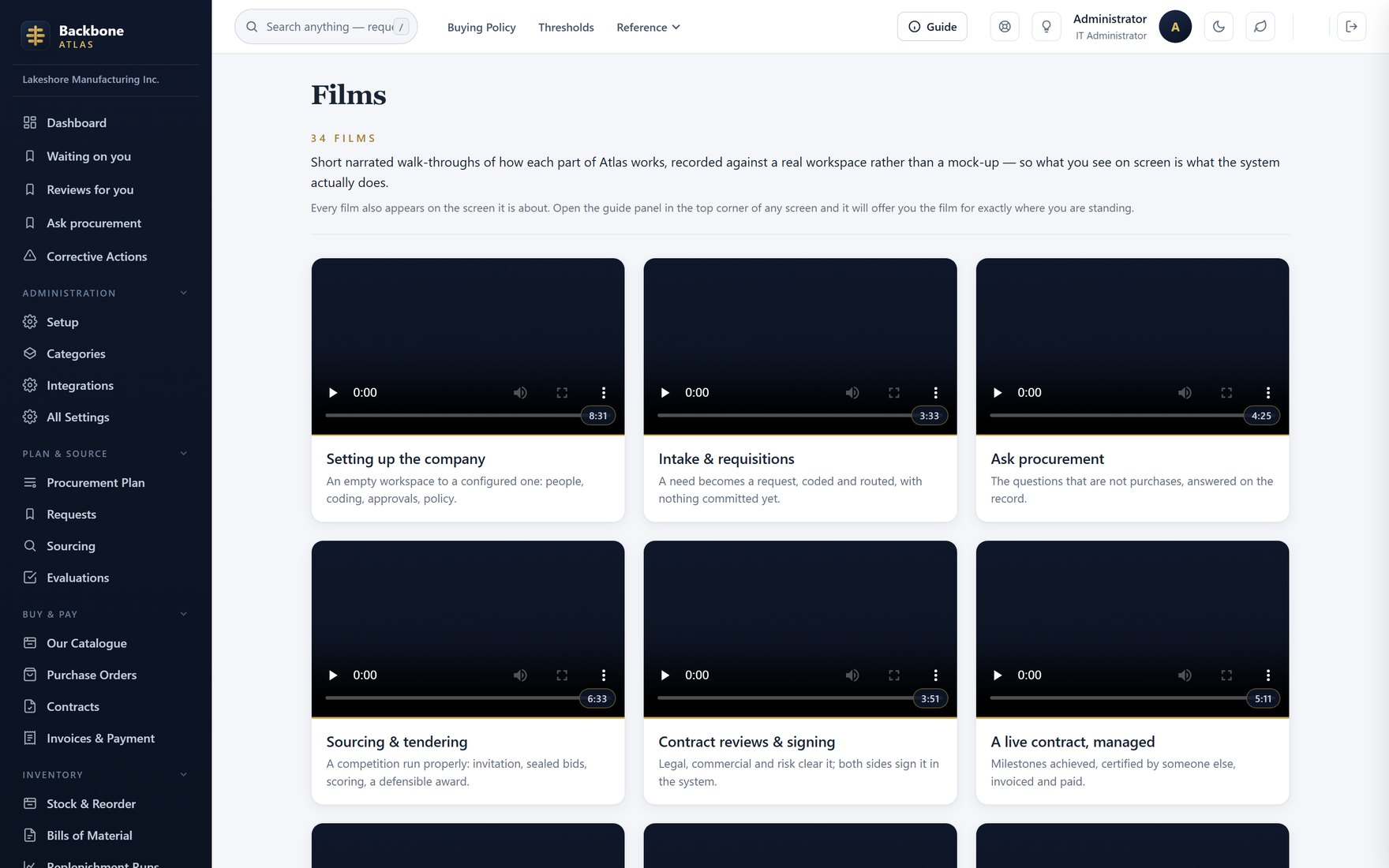
The film libraryThirty-four films with running times, inside the product.
Where you already are
The film for this screen, in the drawer beside it.
Each film is offered on the screens it covers, in the help panel for your role.
- ContextualStock screen: the inventory film. Supplier screening: the fraud film. Contract register: all four contract films
- Beside the workOpens in the drawer. You keep your page and what you typed
- Only with a filmThe button shows only where a film exists
- One shared copyServed once by the provider, not copied into each workspace
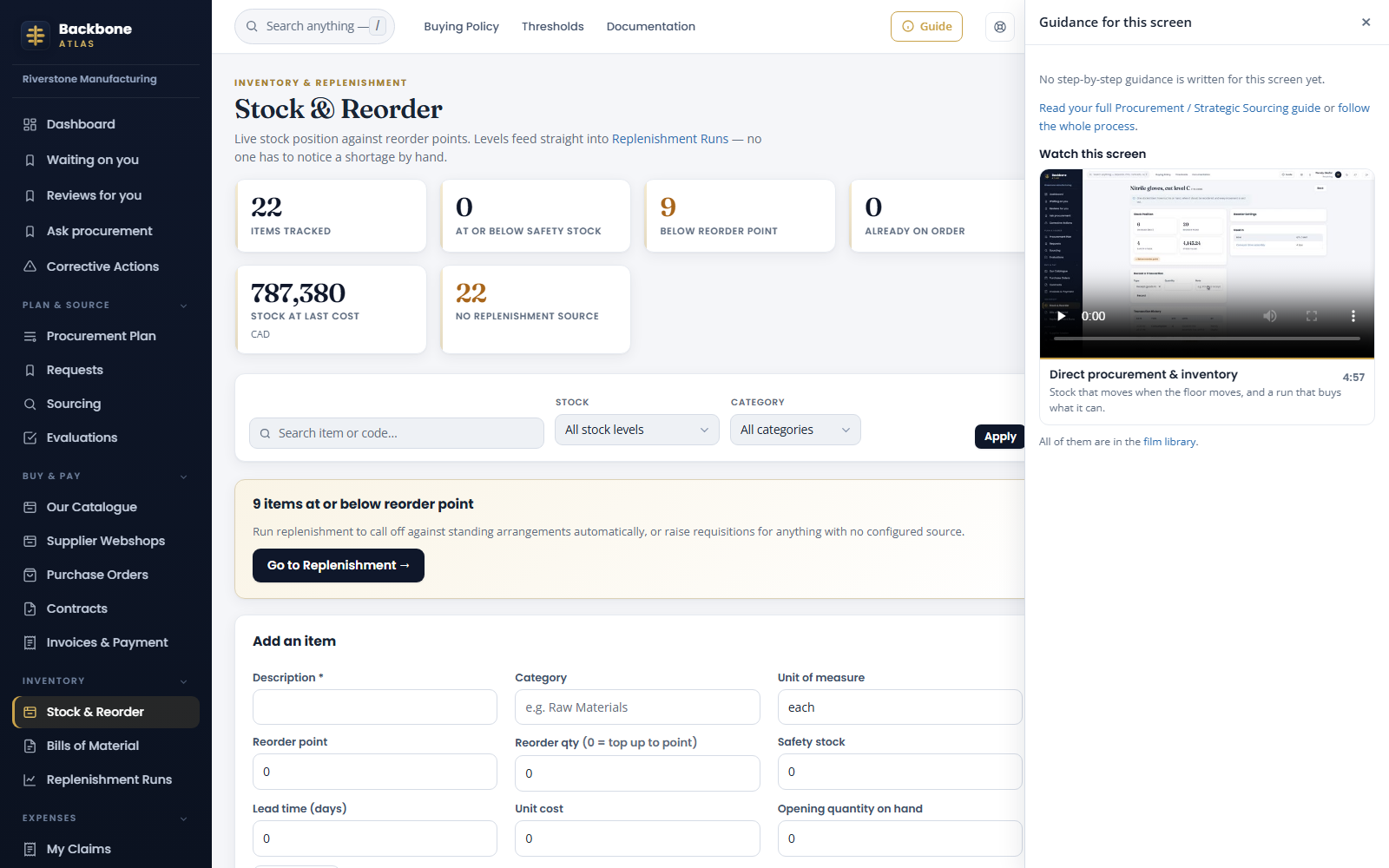
A film on its own screenThe stock screen offering its film, in the guidance drawer.